
Hi,
We have implemented devexpress report in aspnetzero Core.
Requirement: DEVEXPRESS 18.2.4 (Local package)
Report: JSON Report
Thanks
59 Answer(s)
-
0Markdown is supportedCopy & paste or drag & drop images (max 30 MB per image)
-
1
Hi @Velu,
I already integrated DevExpress Report version 20.2.3 into AspNetZero with your sharing. You saved my day ^_^.
Many thanks again! Hoan
Markdown is supportedCopy & paste or drag & drop images (max 30 MB per image) -
0Markdown is supportedCopy & paste or drag & drop images (max 30 MB per image)
-
0
Hi @Velu,
I'm very interested in your implemented project. Could you please share to [email protected]
Many thanks,
Virghy
Markdown is supportedCopy & paste or drag & drop images (max 30 MB per image) -
0Markdown is supportedCopy & paste or drag & drop images (max 30 MB per image)
-
0
Hi velu,
My team is also interested in DevExtreme reporting integration in ASP.NET Core and Angular. Please, send link to: [email protected] / [email protected]
Regards, AB
Markdown is supportedCopy & paste or drag & drop images (max 30 MB per image) -
0
Hi @ismcagdas,
We have Integreted Devexpress Reporting and Devexpress File Upload using both control but we are stuck at displaying report on frontend, data is shown on devexpress print preview.Currently, we are using Version. Asp.net Zero = 8.5 Devexpress Reporting - (Backend .net core)= 20.2.4 Devexpress Reporting - (Fronend Angular) = 18.2.4
"devexpress-reporting": "~18.2.4", "devexpress-reporting-angular": "~18.2.4", "devextreme": "20.2.4", "devextreme-angular": "20.2.4", "devextreme-aspnet-data": "^2.7.2", "devextreme-aspnet-data-nojquery": "^2.7.2",
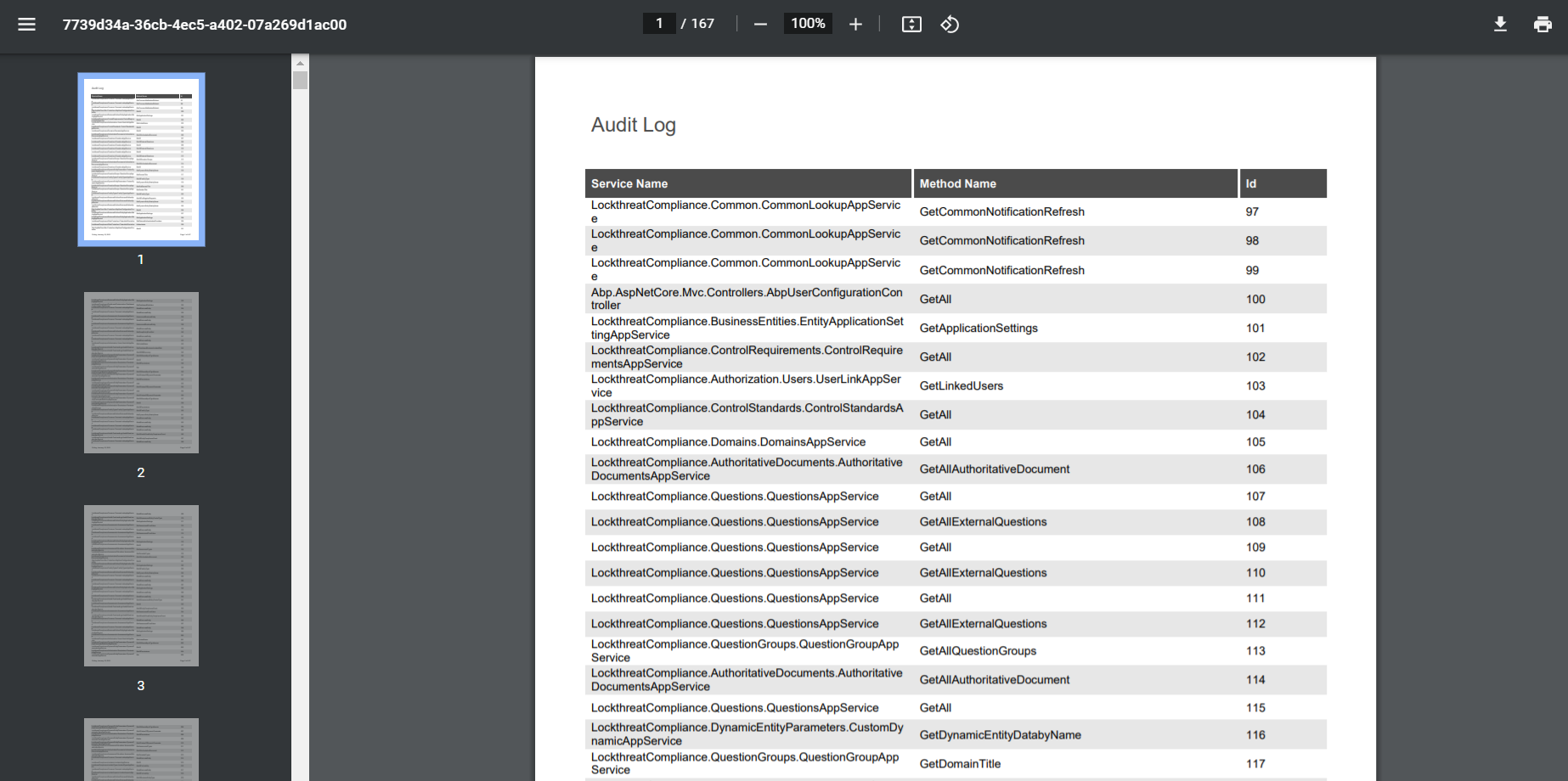
Please find below the attachment of the error.
Thank You Danny.

 Markdown is supportedCopy & paste or drag & drop images (max 30 MB per image)
 -
0
Hi @velu,
We are also recently considering this undertaking - I would be interested to see how you went about achieving this. Could you please also share your code with me at [email protected]
Thank you and regards,
Markdown is supportedCopy & paste or drag & drop images (max 30 MB per image) -
0
Kindly can you share it with me as i really need help in integrating the report tool with my Angular ASP.net Zero.
I greatly appreciate your help. Thank you.
Markdown is supportedCopy & paste or drag & drop images (max 30 MB per image)


